IDR
Navigate to DEPOSIT page
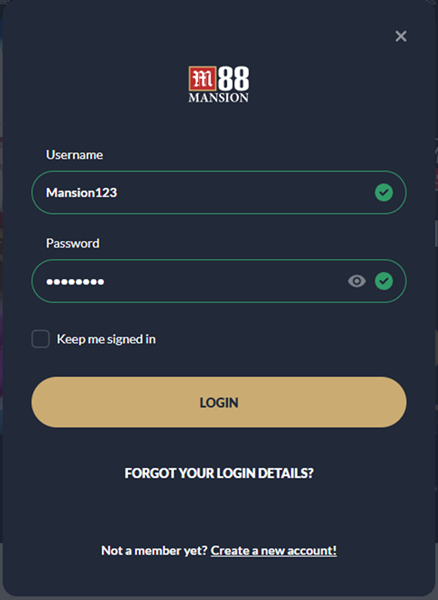
- Click "LOGIN" from the main page

- Input Username & Password and click "LOGIN"
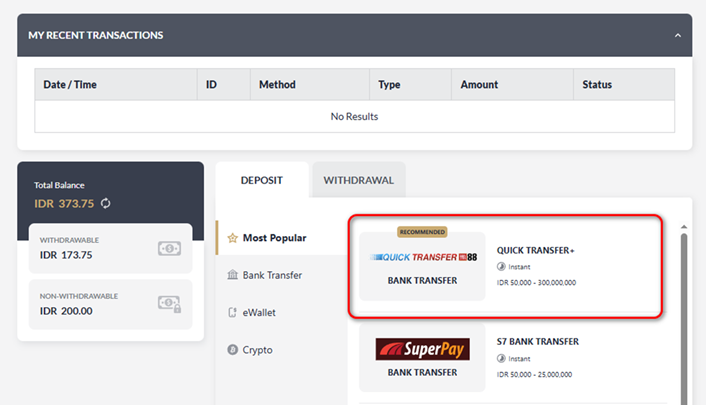
- Click "DEPOSIT"

Submit deposit form
- Click "Bank Transfer" tab and select "QUICK TRANSFER + "
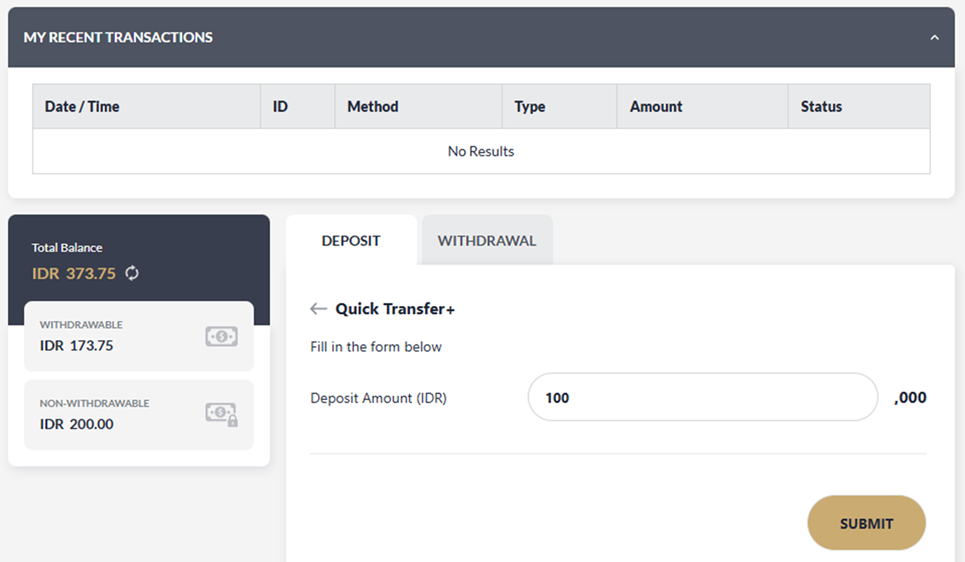
- Input deposit amount and click "SUBMIT"
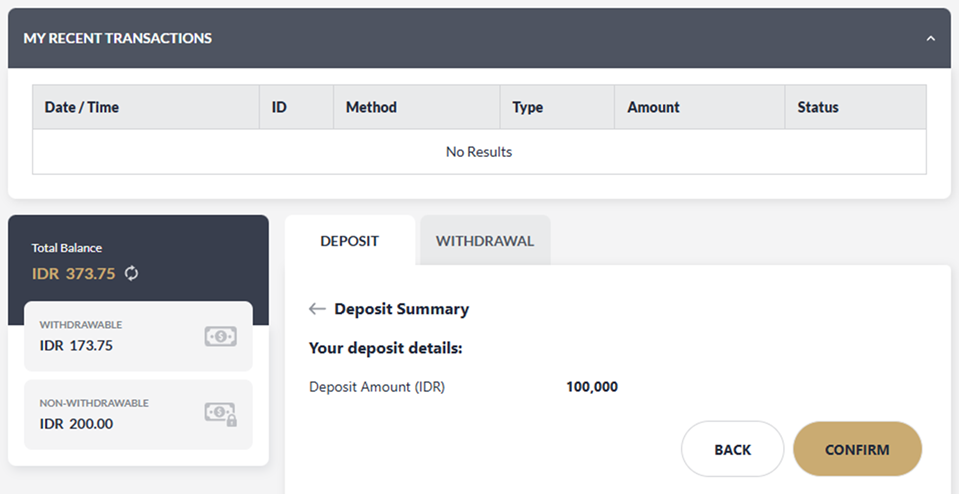
- Double check the amount and click "CONFIRM"
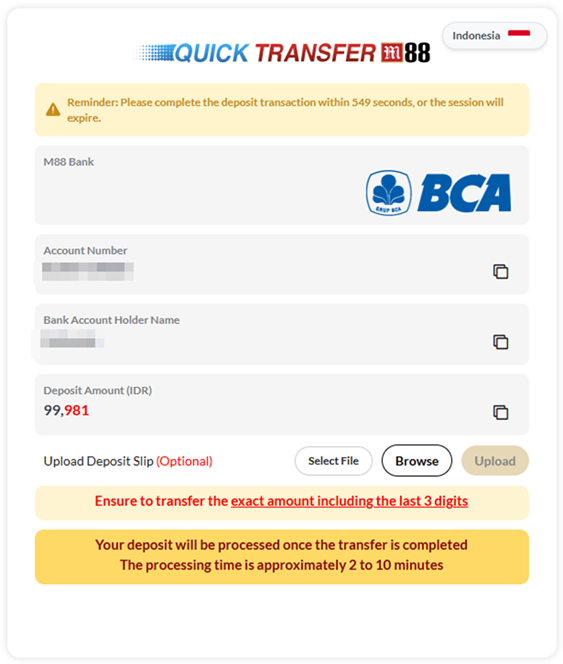
- Then, a pop-up will show your deposit bank details. Copy the beneficiary account number and transfer the exact amount with the unique amount shown.
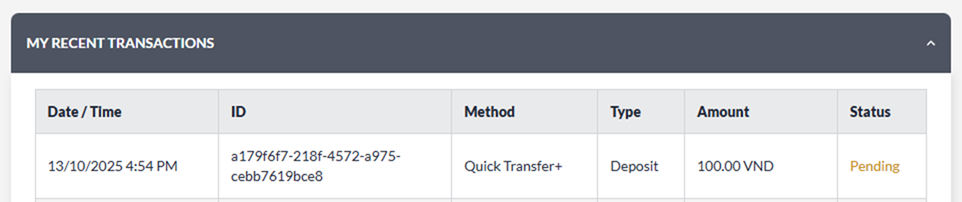
Check recent transactions
- Your transaction status will be displayed on MY RECENT TRANSACTIONS